Learning centre
Short lessons with pictures on how eMIZIGO works.
Safety courseOptionalA short lesson on staying safe on every trip.Start the course- For everyone2 minAgree a priceThe shipper's price, counter-offers in the chat, then the agreed price.Start
- For everyone2 minHow payment worksPay the driver directly. Using eMIZIGO is free.Start
- For everyone2 minWhy pay and get paid through eMIZIGOMoney held safely until delivery, quick pay for drivers, no chasing unpaid jobs.Start
- For everyone1 minRatingsAfter each job, shipper and driver rate each other.Start
- For everyone2 minStay safeSimple habits that protect you and the goods.Start
- For everyone1 minInstall eMIZIGO on iPhoneAdd eMIZIGO to your iPhone or iPad Home Screen in four taps.Start
- For everyone1 minInstall eMIZIGO on AndroidAdd eMIZIGO to your Android home screen from Chrome.Start
- For shippers2 minPost a loadTell drivers nearby what you need moved, where and when.Start
- For drivers2 minDriver tiersBlue, Gold, Platinum and Diamond: what they mean and how to move up.Start
Short guides, one for each feature, with a picture of the real screen.
Guides for drivers
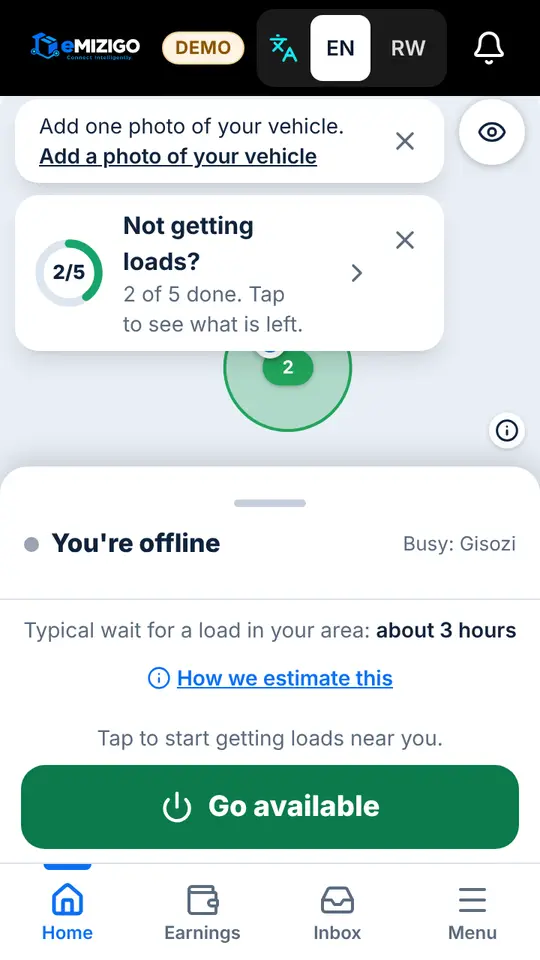 Go available / Go offline
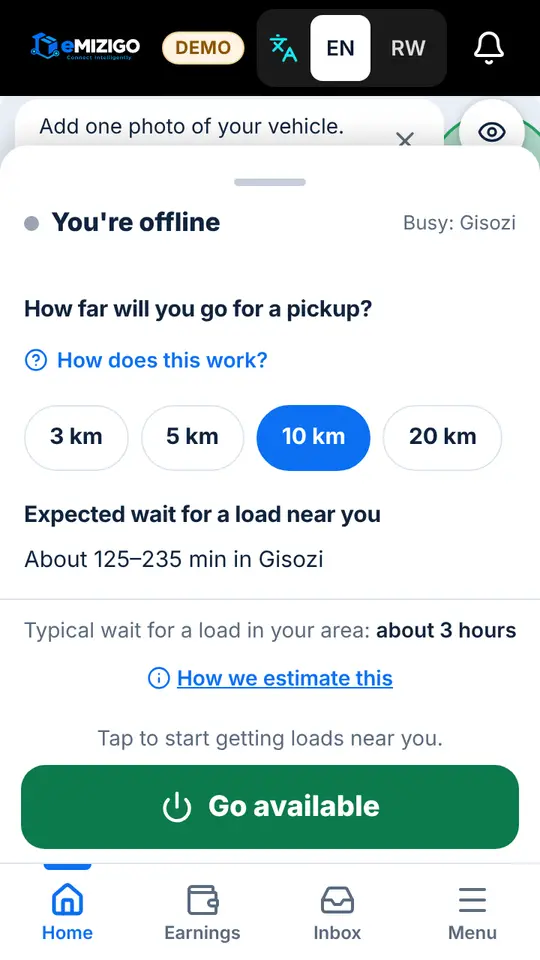 The distance buttons
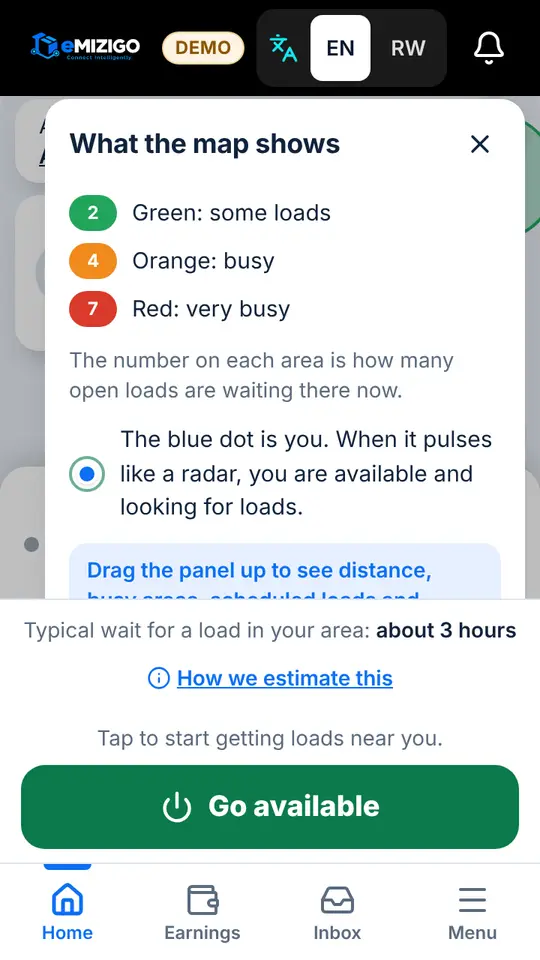 The demand map and its colours
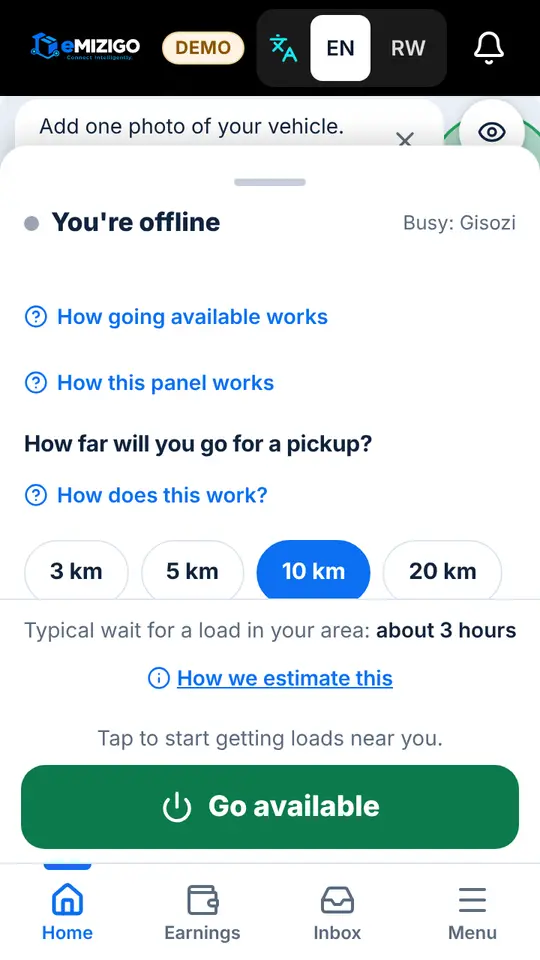 The bottom panel
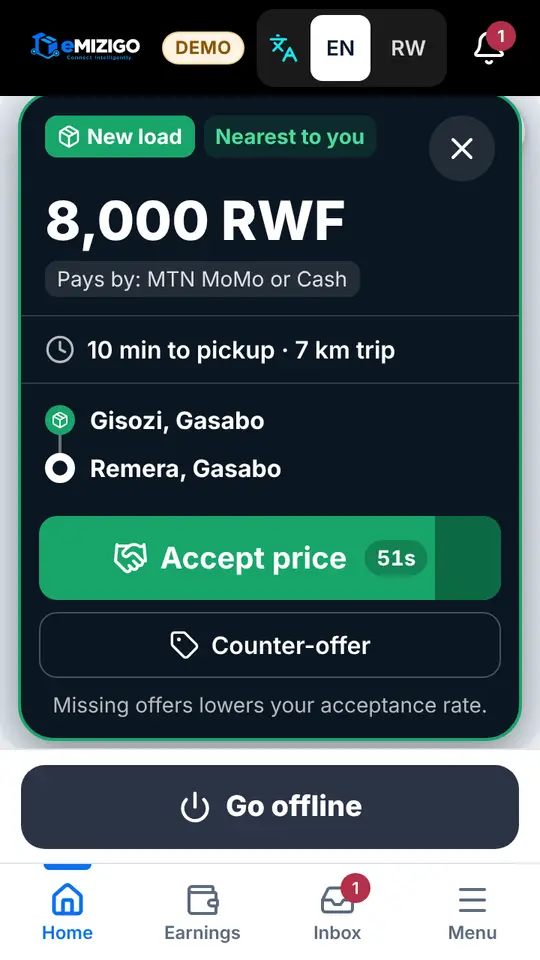 The offer card for a new load
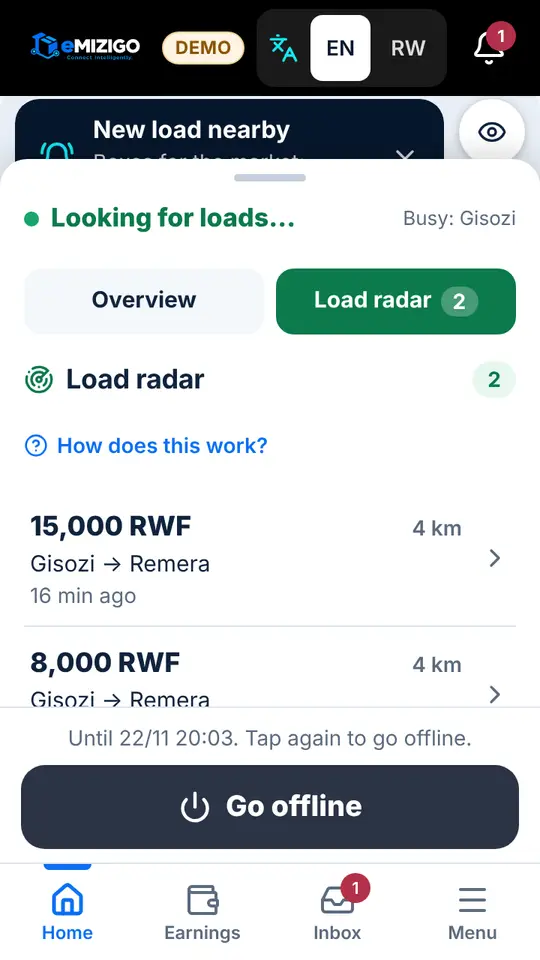 Load radar
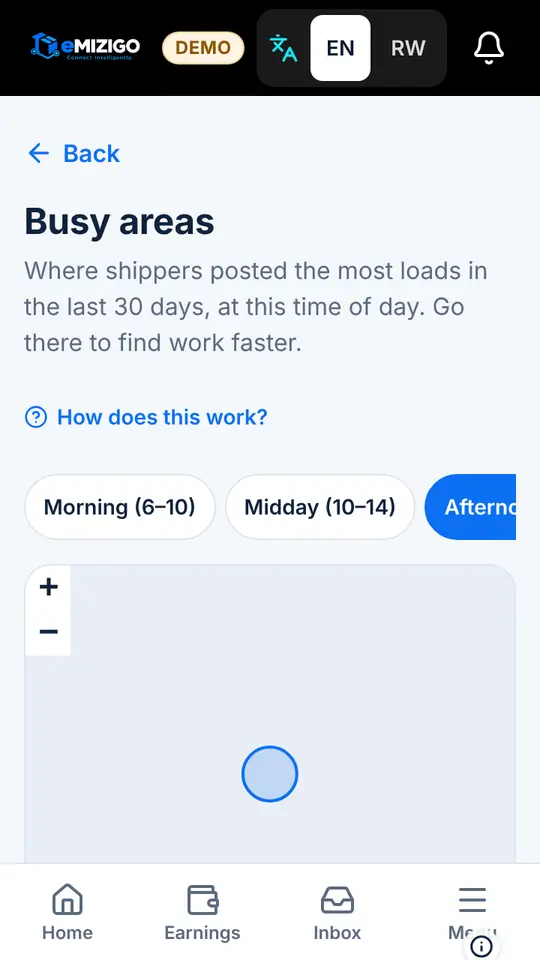 Busy areas and busiest hours
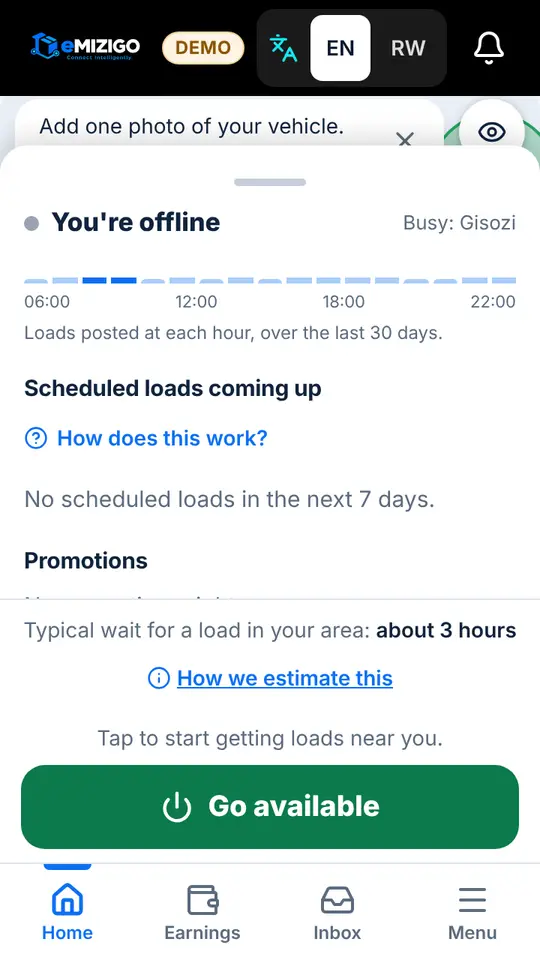 Scheduled loads
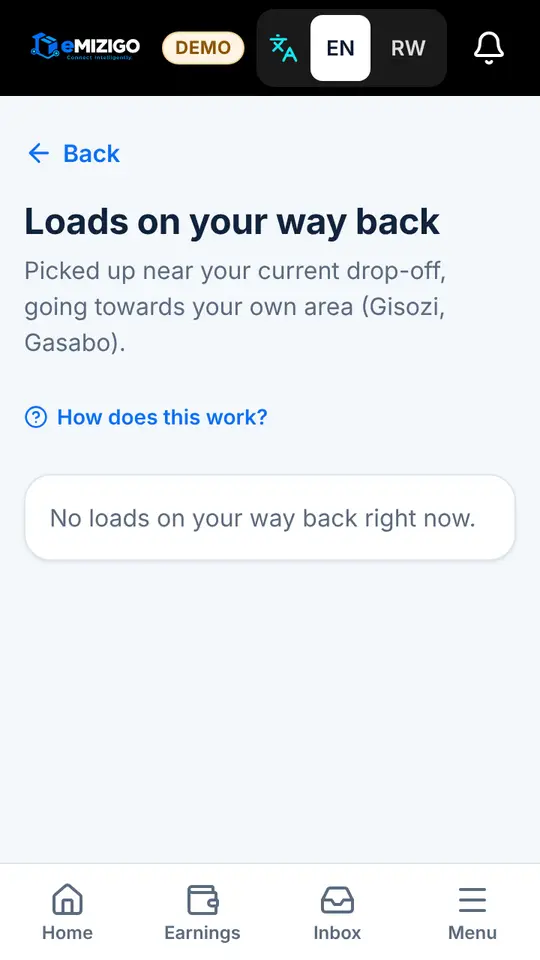 Loads on the way back
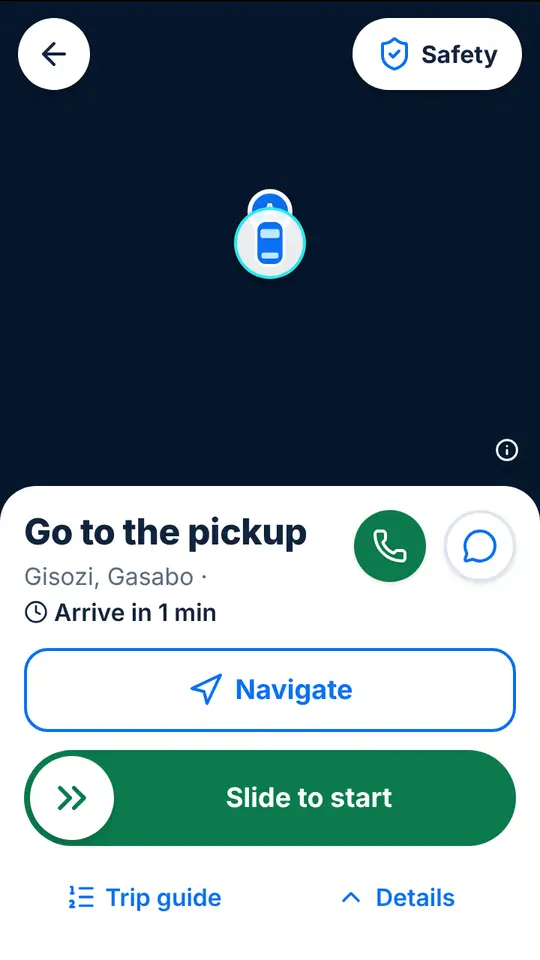 Open in Google Maps
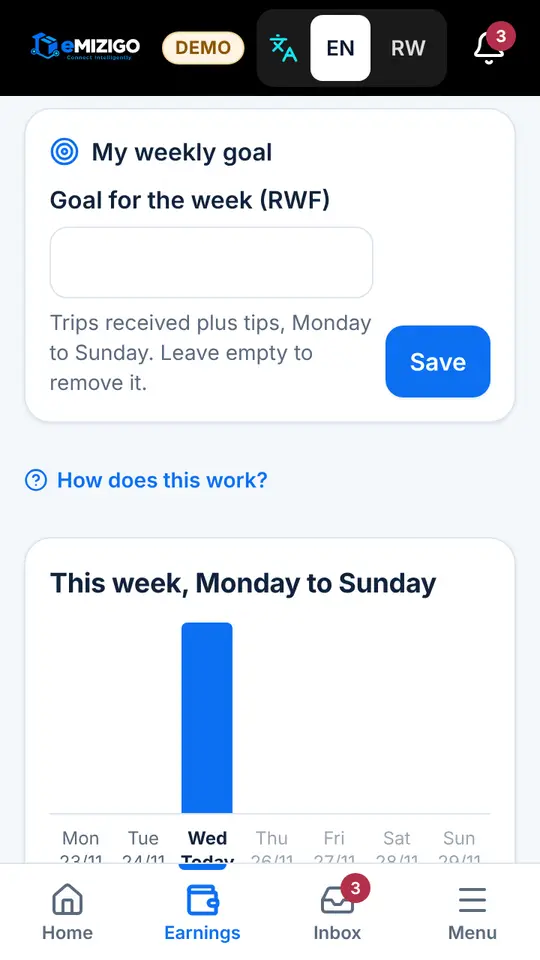 Earnings summary and weekly goal
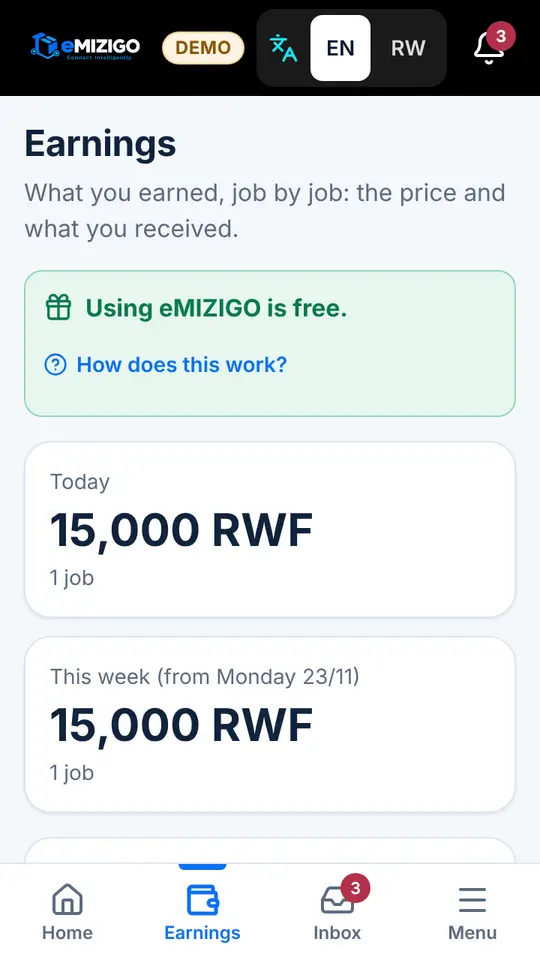 Using eMIZIGO is free
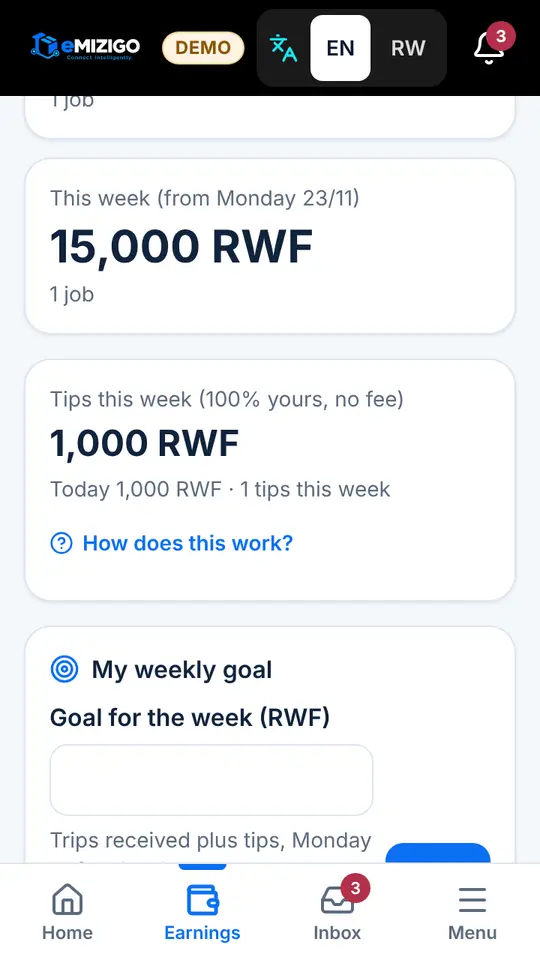 Tips
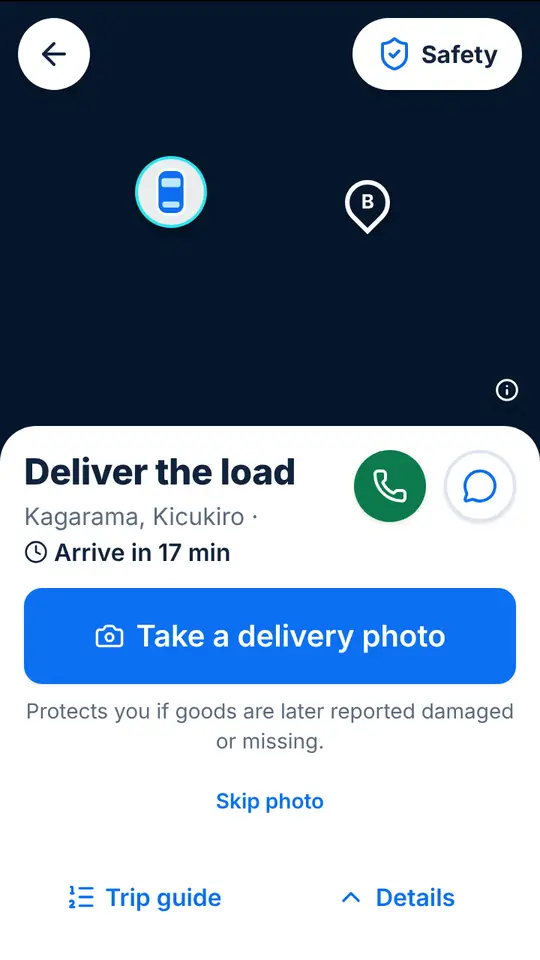 Delivery photo and delivery code
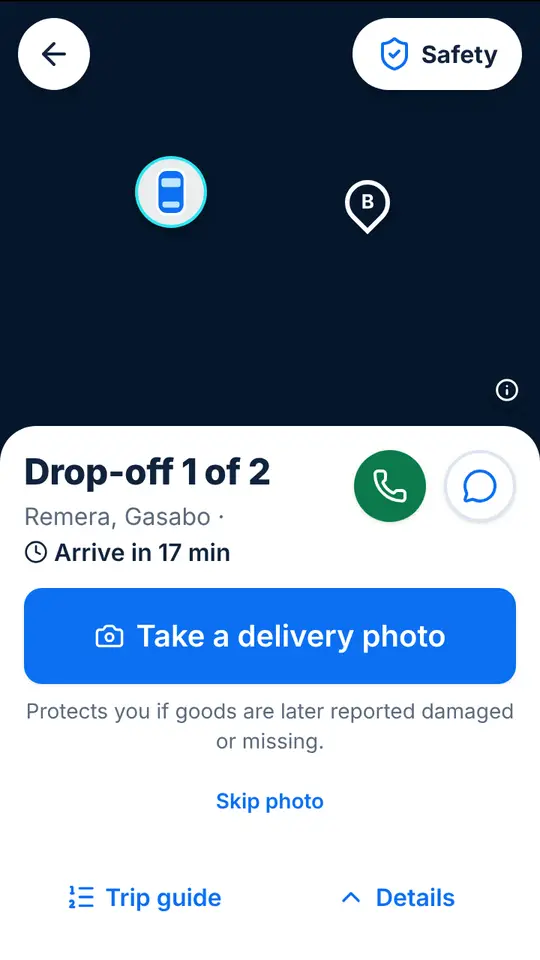 Trips with several stops
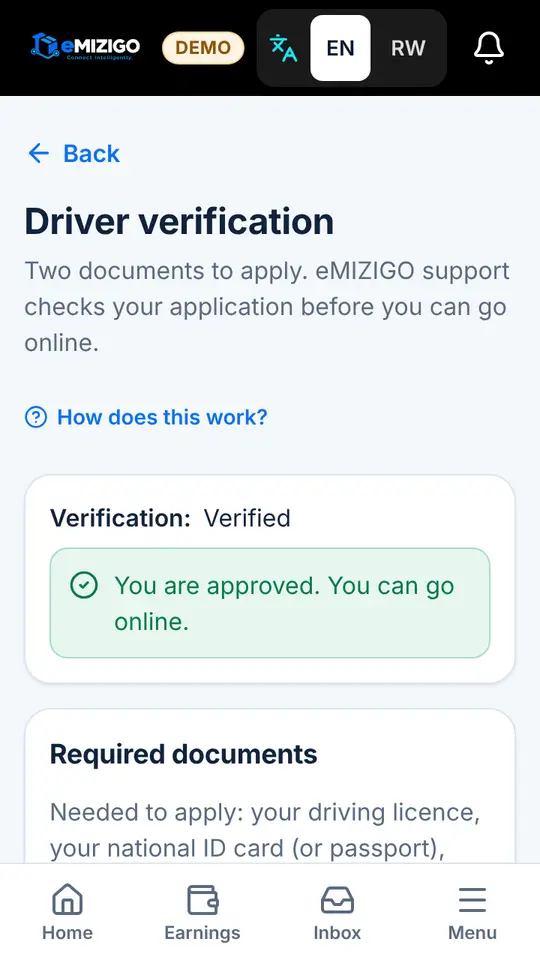 Document expiry reminders
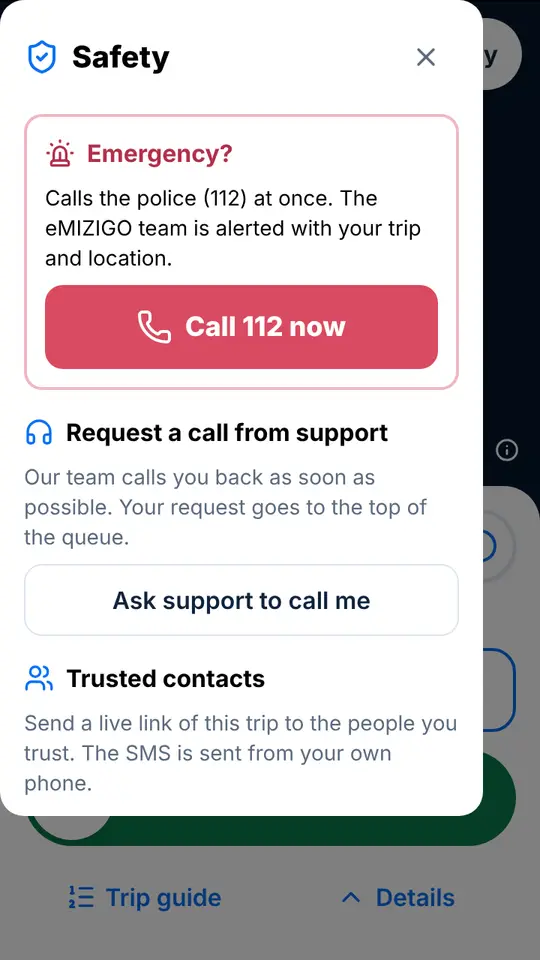 The emergency button
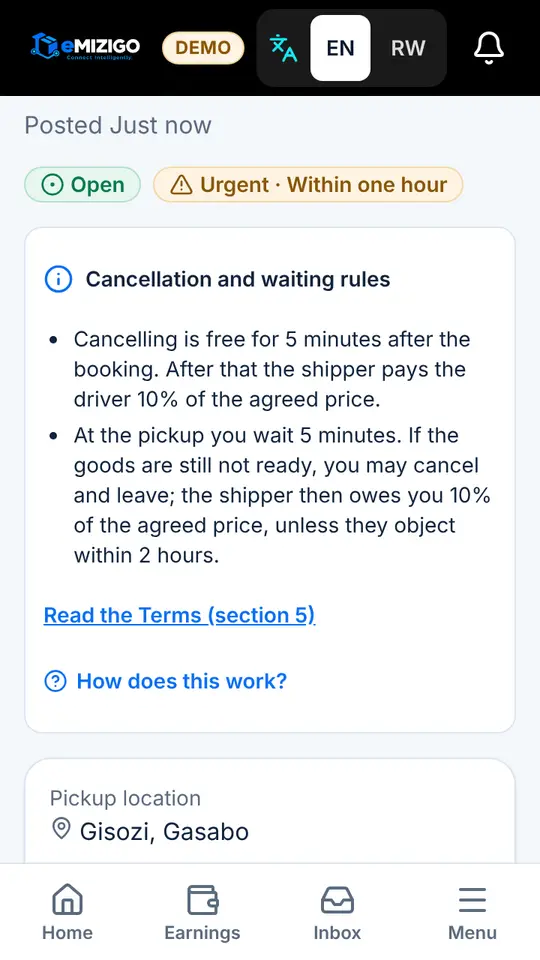 Cancellation and waiting rules
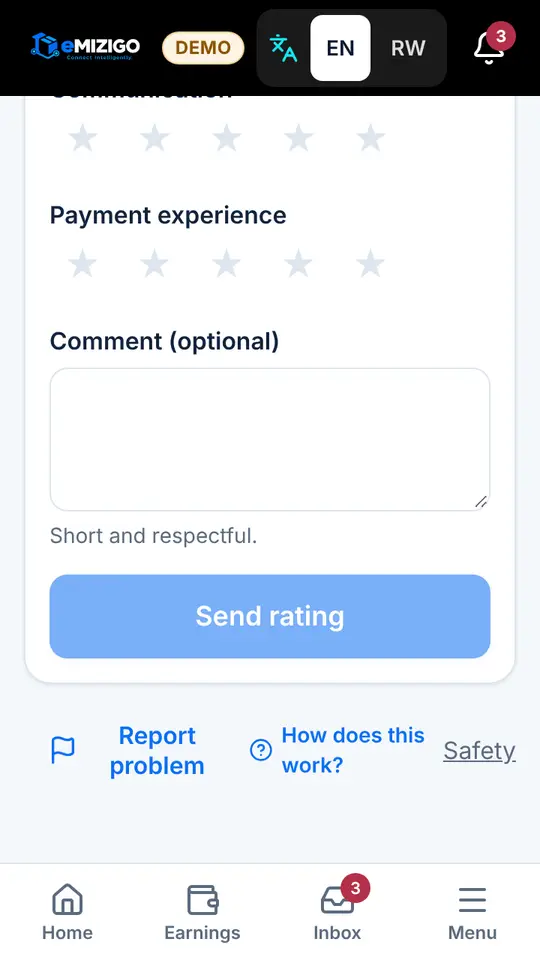 Damaged or lost goods
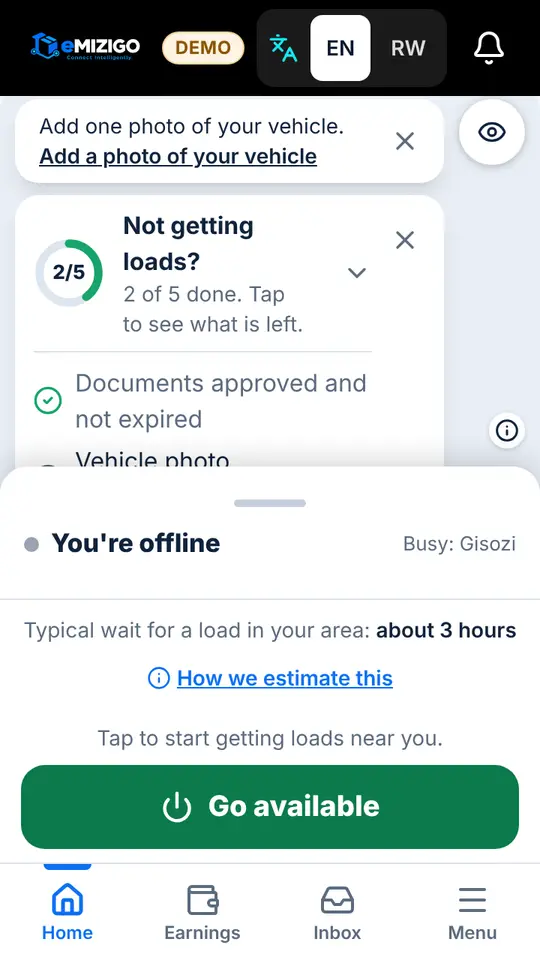 Not getting loads?
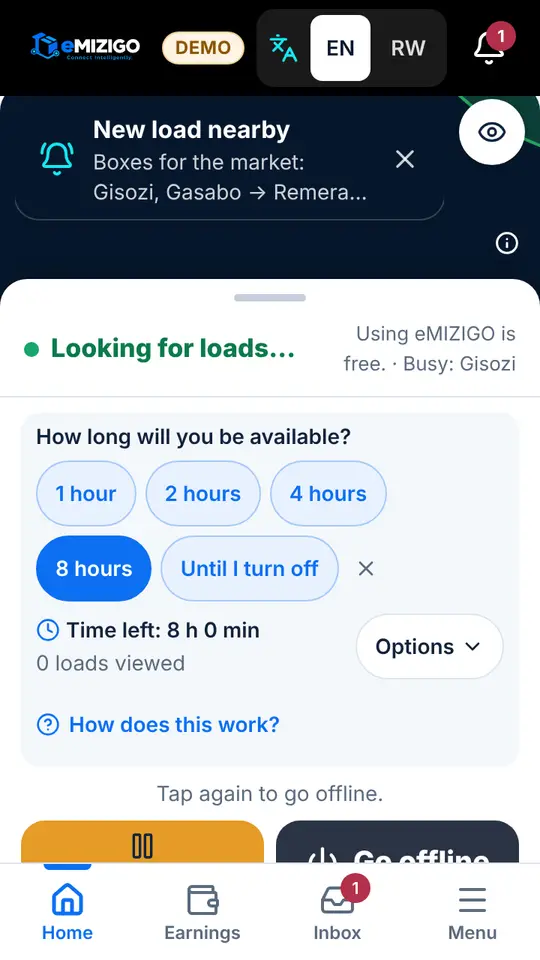 Your available time
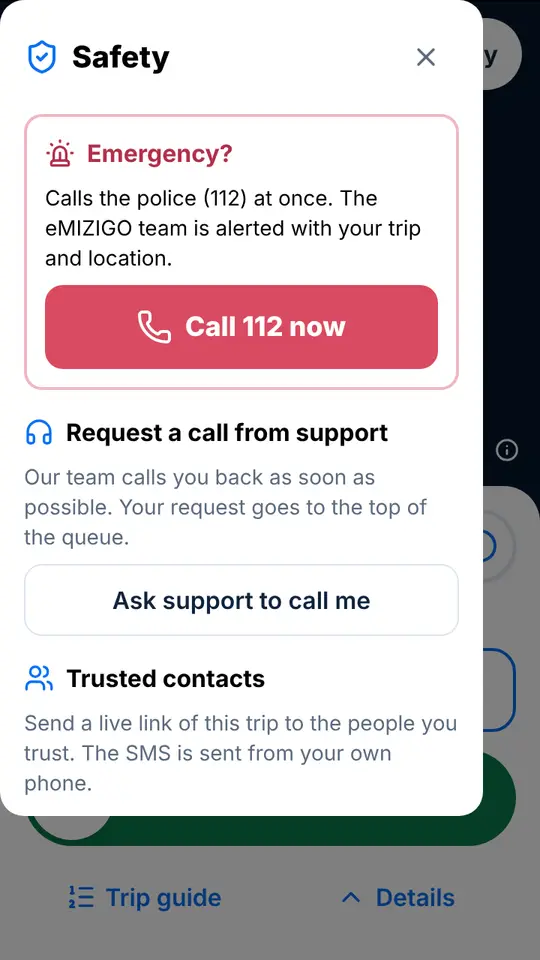 The safety sheet
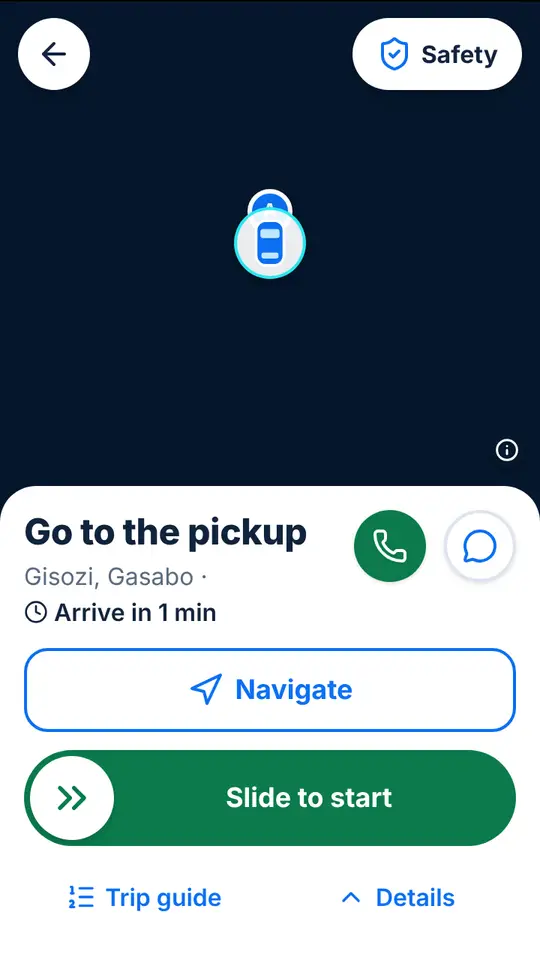 Your trip screen
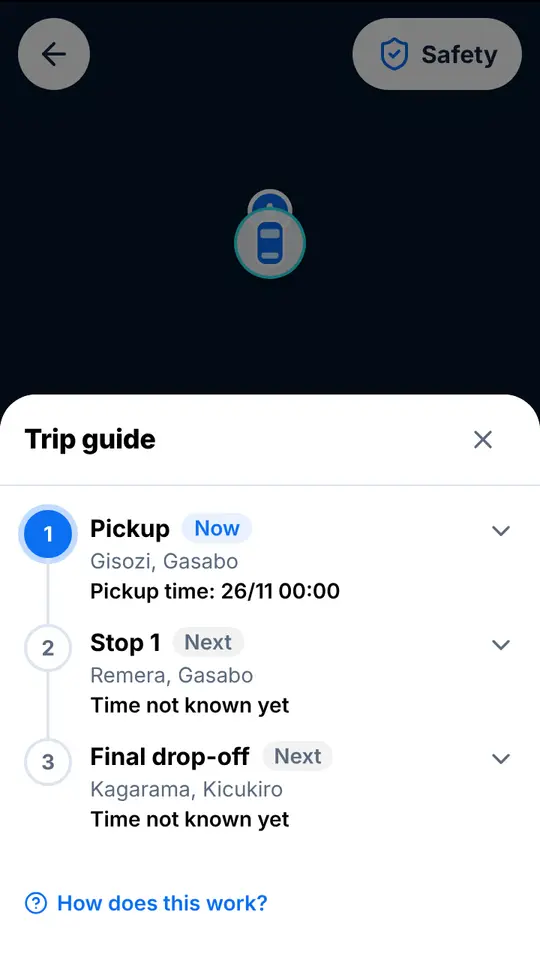 Trip guide: every stop in order
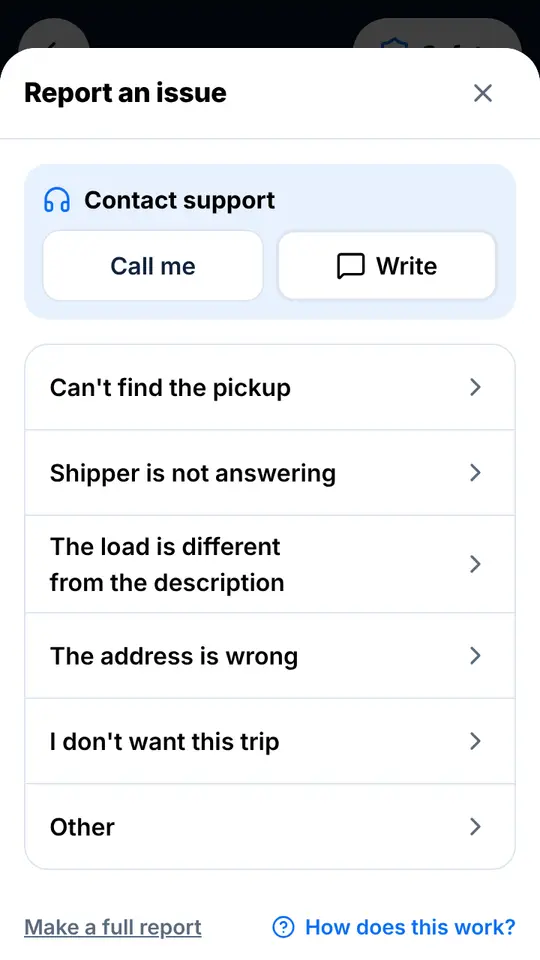 Report an issue during a trip
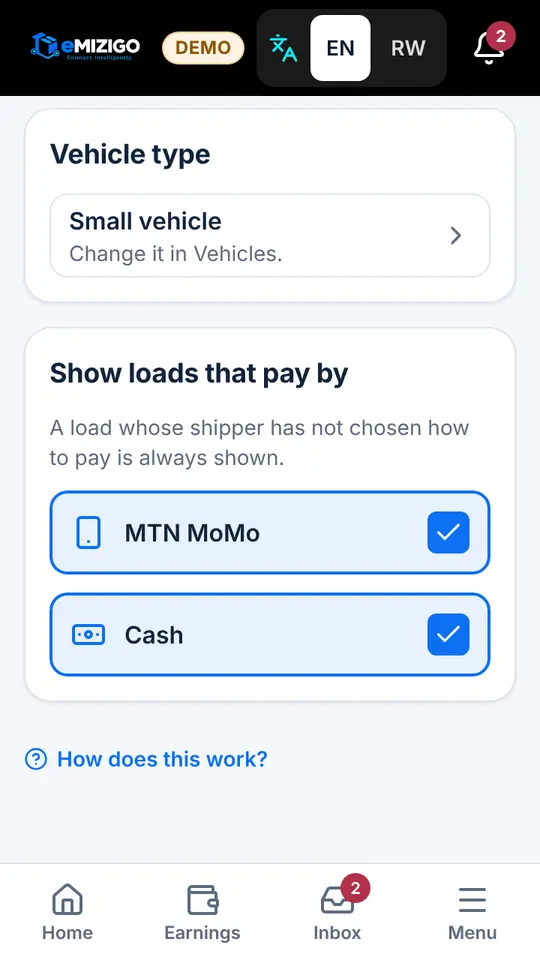 Load preferences
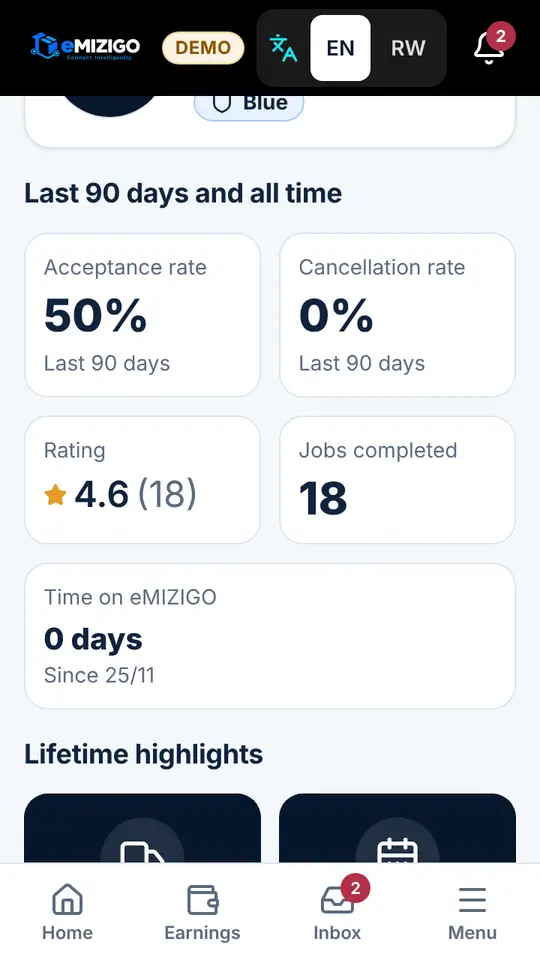 Your numbers and badges
Guides for shippers
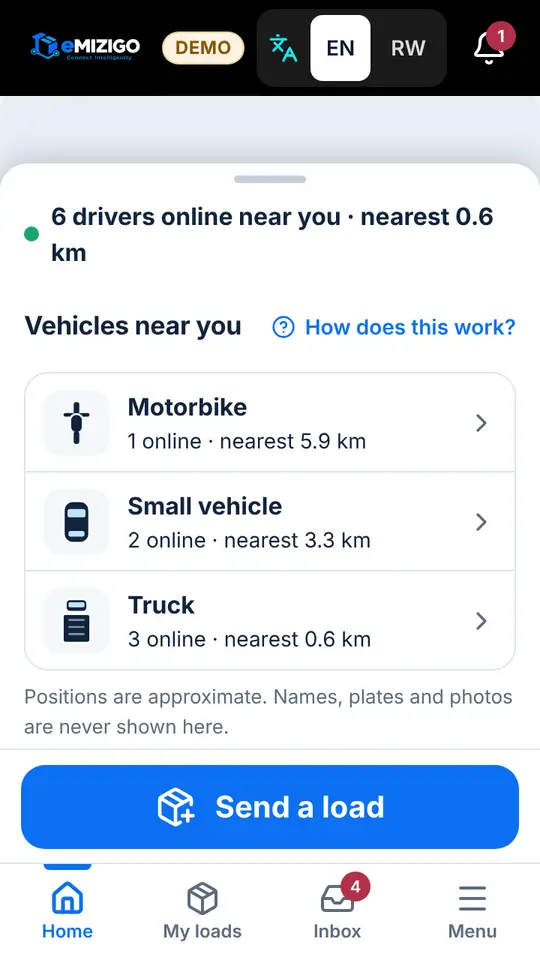 See vehicles near you
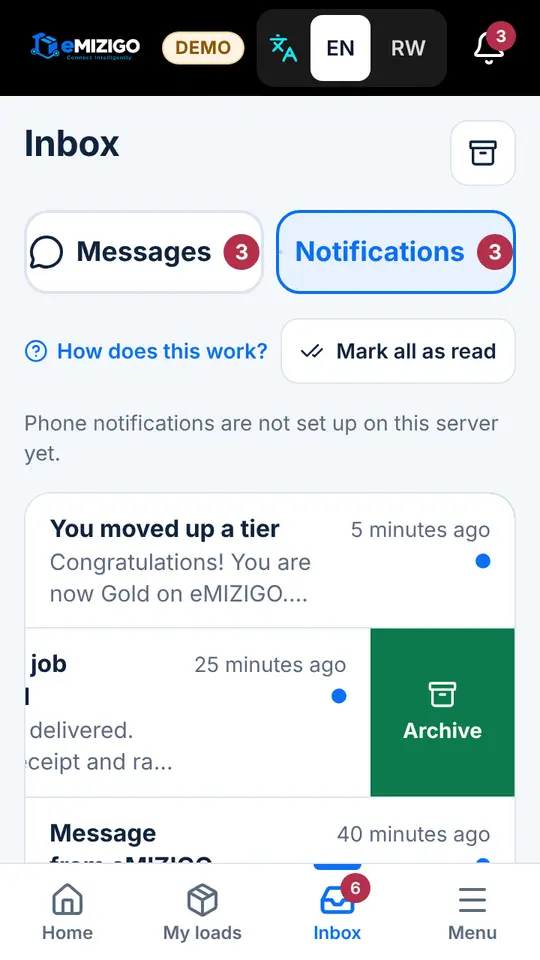 How to archive notifications
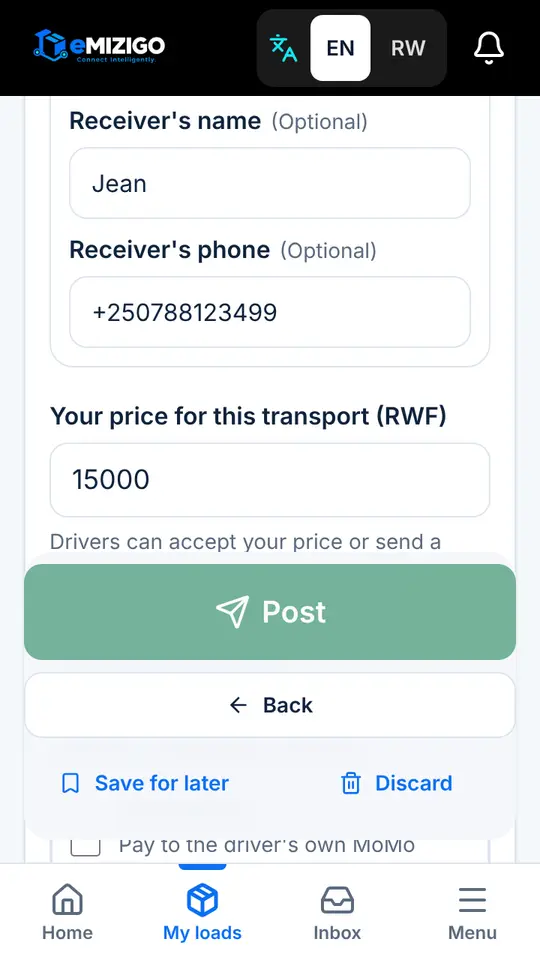 Your price (there is no price estimate)
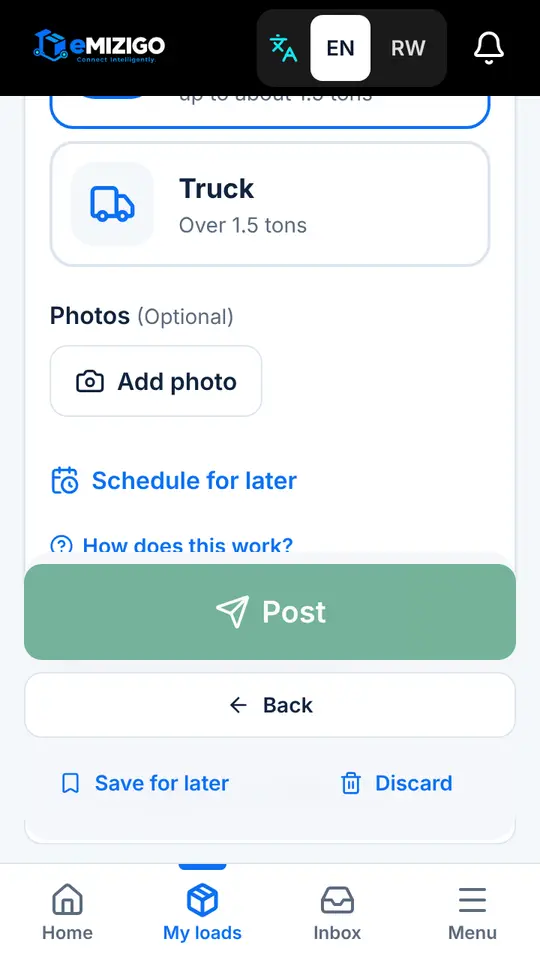 Schedule for later
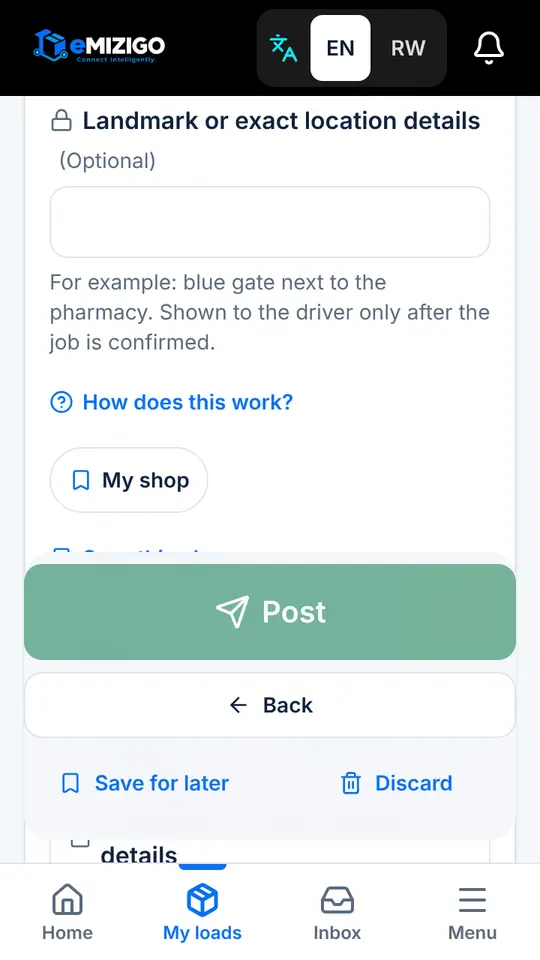 Saved places
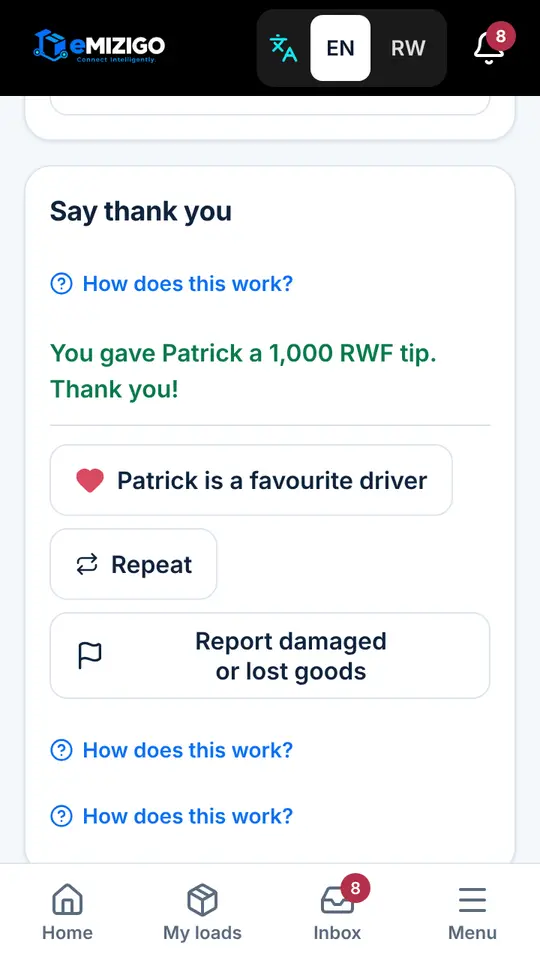 Repeat a load and favourite drivers
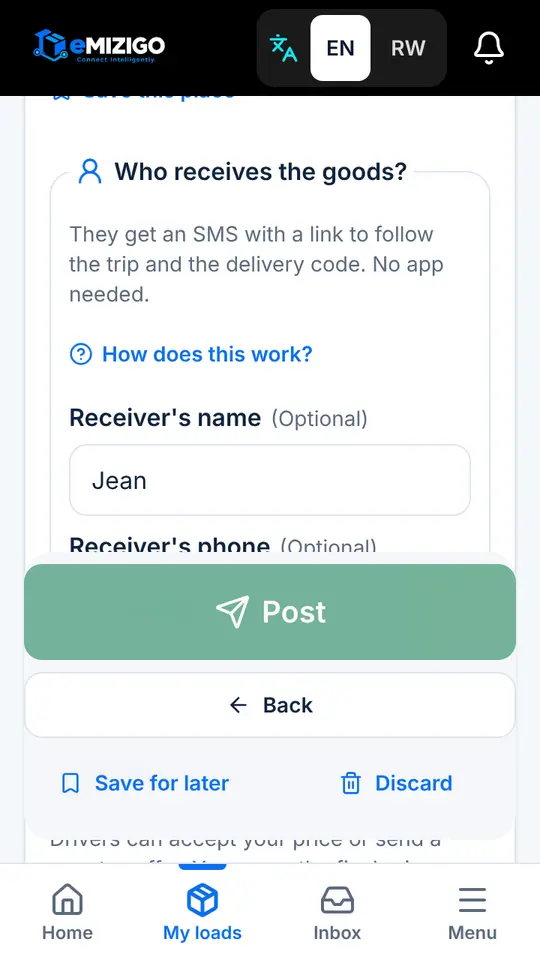 The receiver's SMS
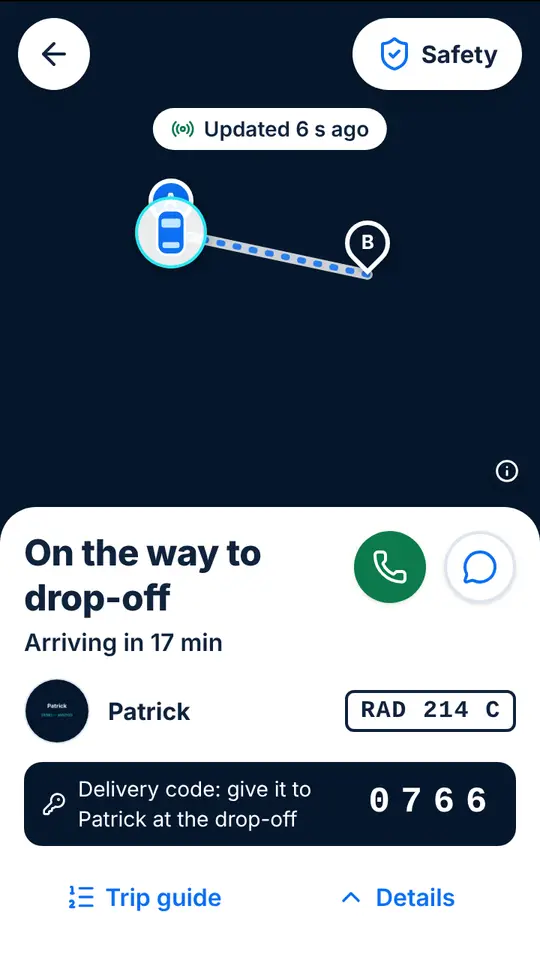 Delivery code and delivery photo
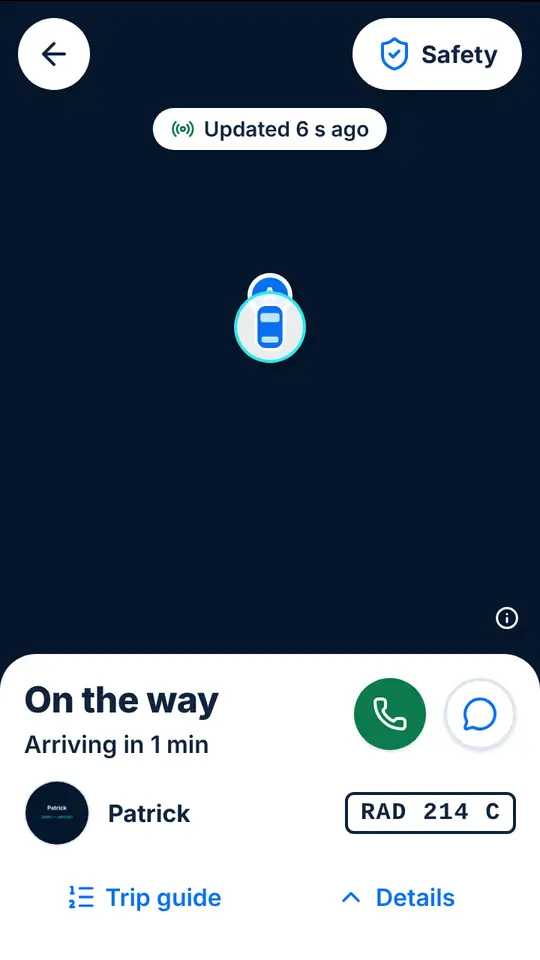 Follow your trip
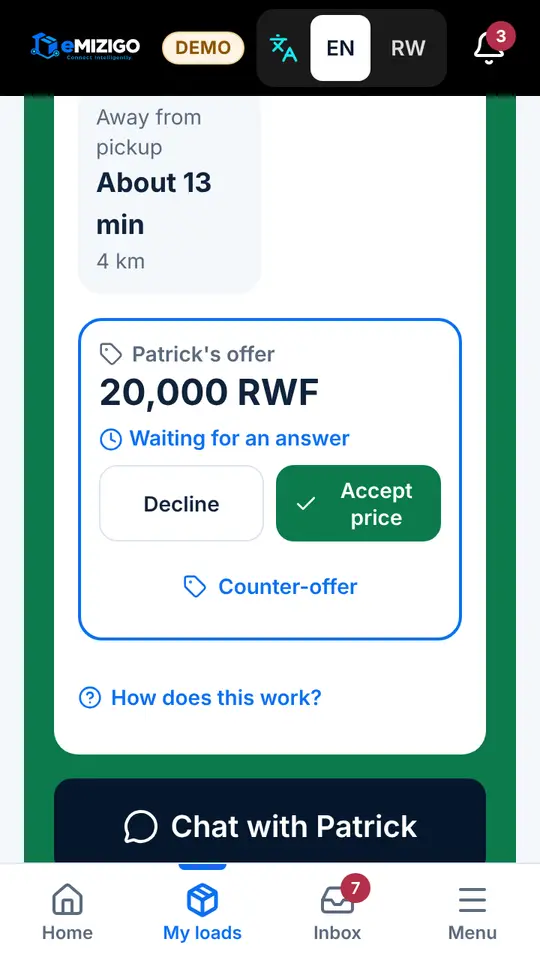 Answer a driver's counter-offer
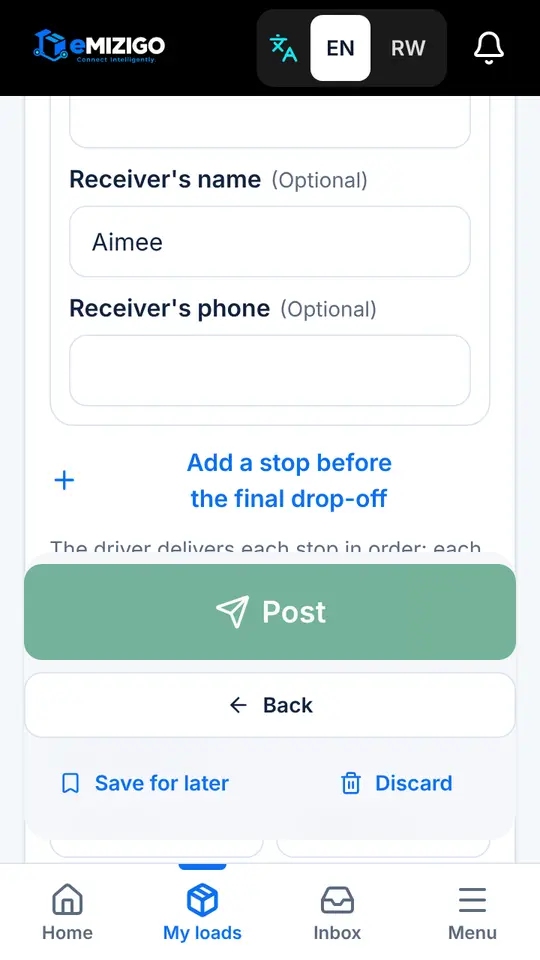 Loads with several stops
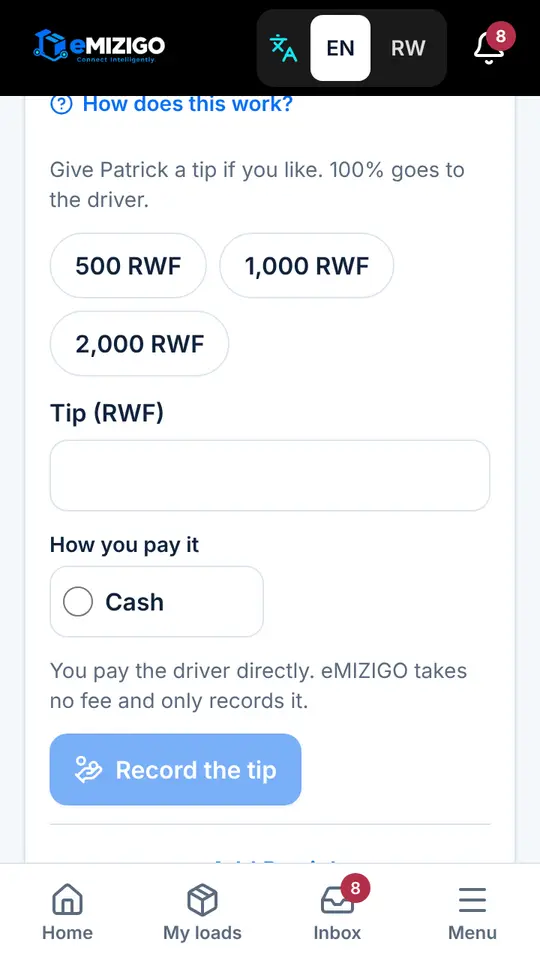 Tips
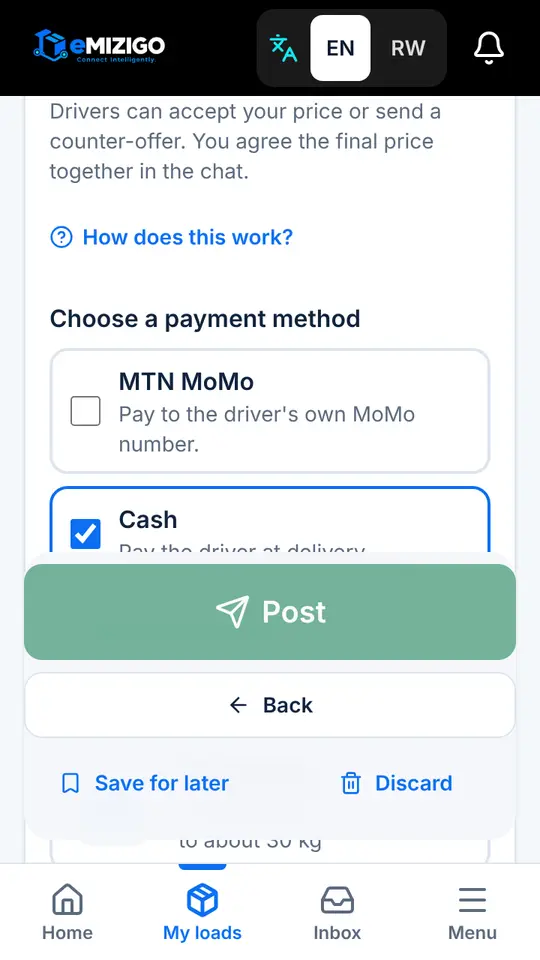 Choosing a payment method
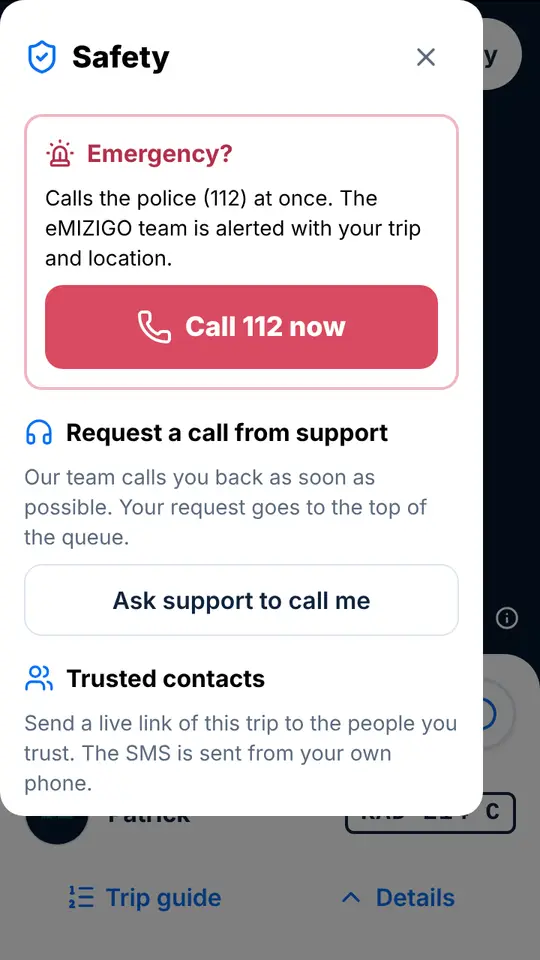 The emergency button
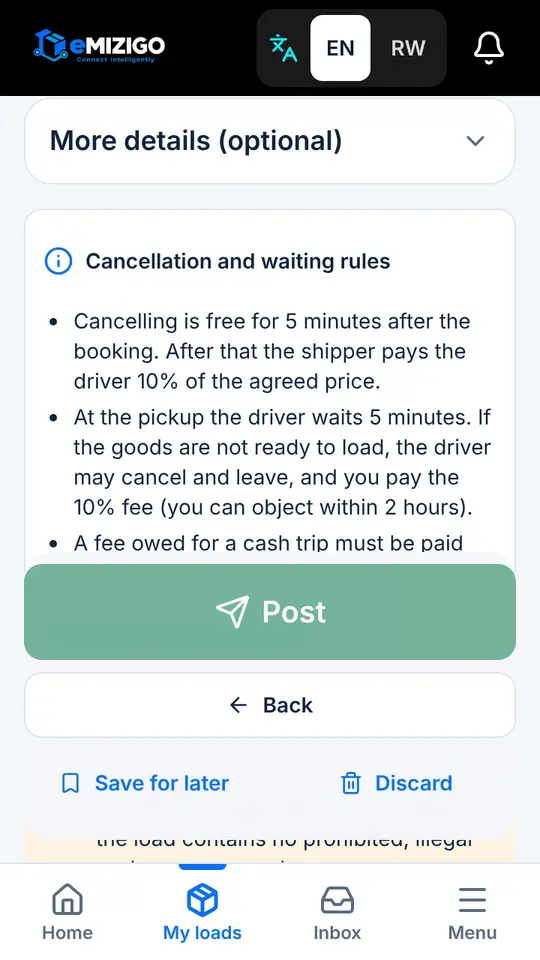 Cancellation rules
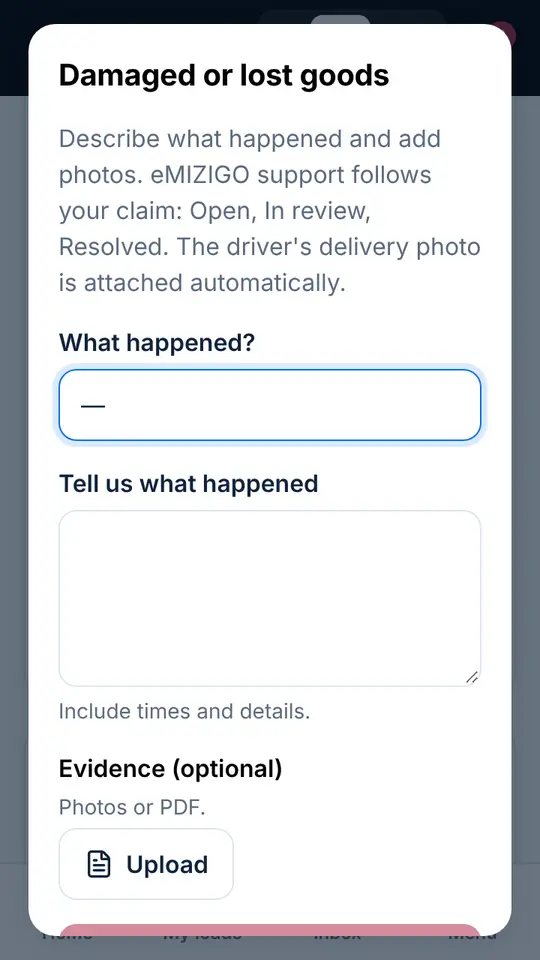 Claims for damaged or lost goods
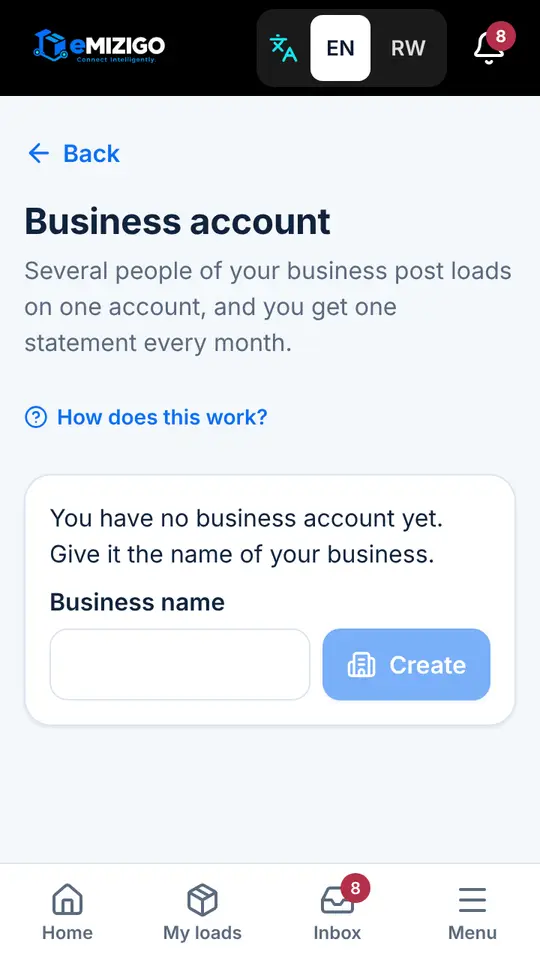 Business accounts
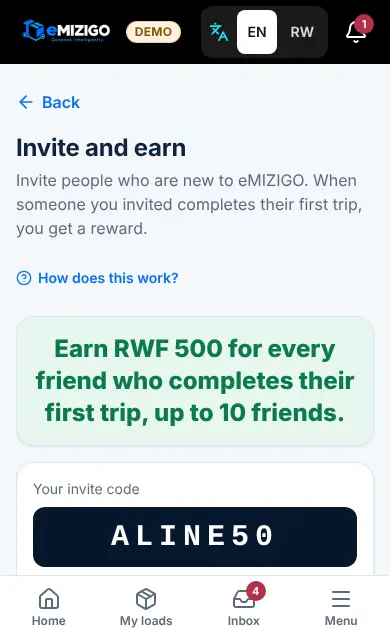 How Invite and earn works