
Loads with several stops
Guides for shippers
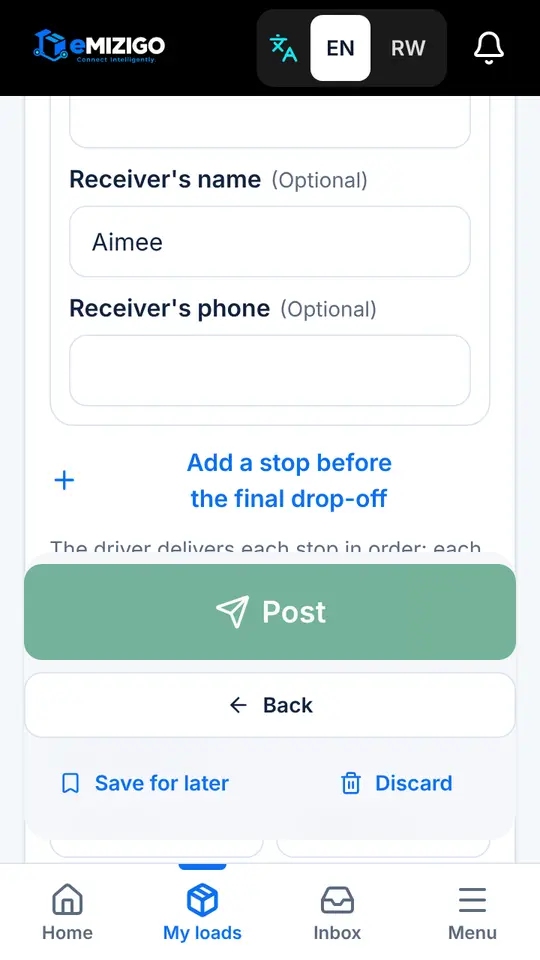
On Send a load, tap Add a stop before the final drop-off; you can add up to 4. Each stop has its own receiver, delivery code, photo and status. The driver delivers them in order, then the final drop-off, and your trip page shows each stop as Waiting, Next or Delivered.