
Trip guide: every stop in order
Guides for drivers
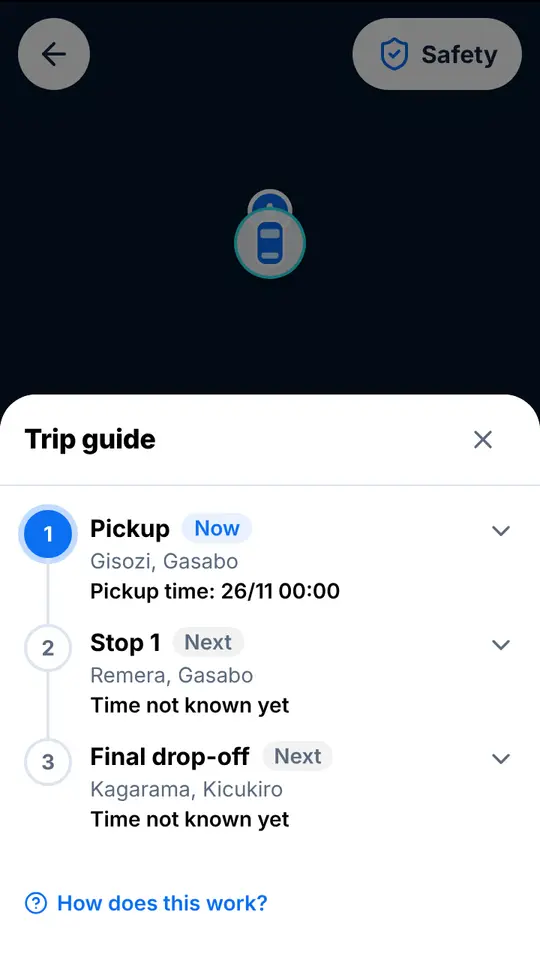
On the trip screen, tap Trip guide next to Details. You see the pickup, each stop (up to 4) and the final drop-off in order, with the area, the expected time and Done, Now or Next. Tap a stop to see its details. Exact places and receivers show only once the job is confirmed, receivers by first name. Nothing can be changed there.