
Report an issue during a trip
Guides for drivers
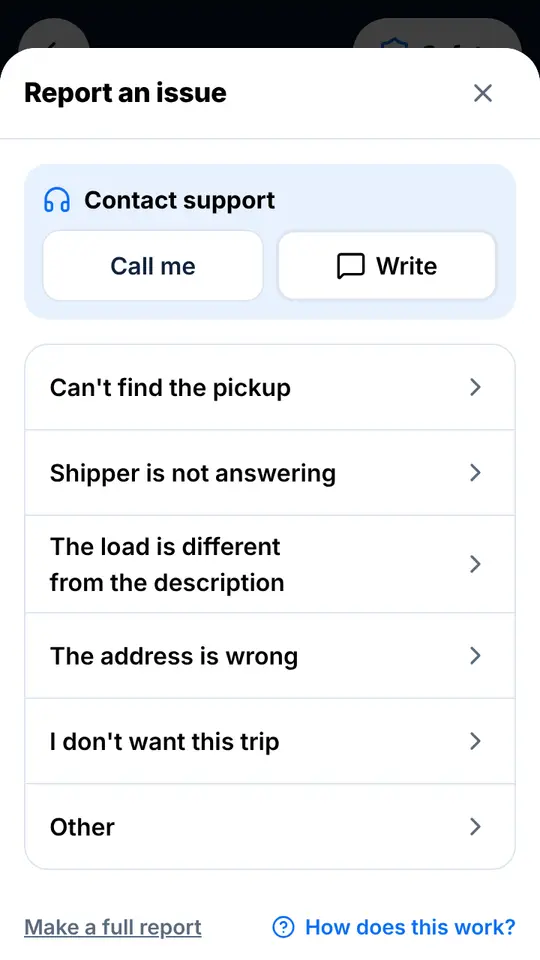
During a trip open Details, then Report an issue. Contact support is at the top: ask support to call you, or write. Then tap what is wrong. Support sees it at once with your trip and your last location. "I don't want this trip" and "I want to cancel" open Cancel job with its usual confirmation and cancellation rules. "The load was damaged or lost" opens a claim with photos.