
Your trip screen
Guides for drivers
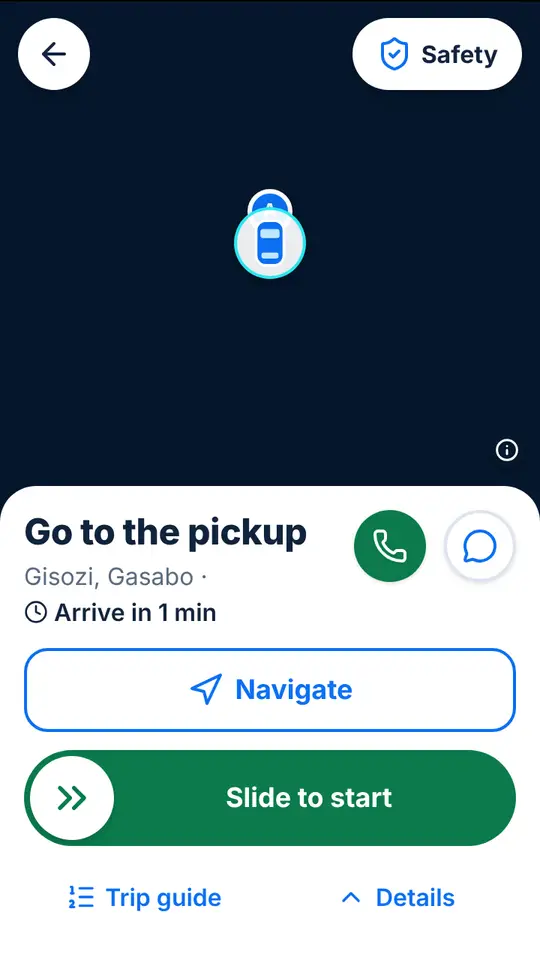
During a trip the map fills the screen and one card at the bottom shows only what to do now: where to go, when you arrive, and one slide button. Call and Chat are the round buttons on the card. Navigate opens Google Maps when you go to the pickup and to the drop-off. At the drop-off you take a photo (or skip it), type the shipper's 4-digit code on the number pad, then slide to finish. Details has the load, the progress, the shipper's contact, Cancel job and Report an issue. Safety, on the map, calls 112 in one tap. Trip guide lists every stop.