
Not getting loads?
Guides for drivers
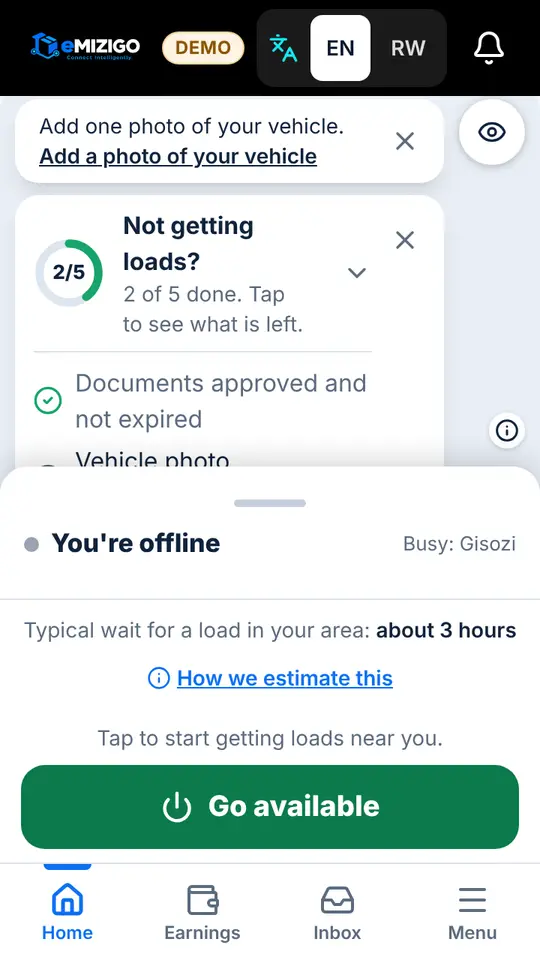
The card on your home map checks five things: documents approved and not expired, a vehicle photo, location allowed, notifications on and status Available. Each step that is not done has one button that takes you to the fix. Account checkup lists every document with its expiry date. When all five are done, the card says you are ready to receive loads.