
The bottom panel
Guides for drivers
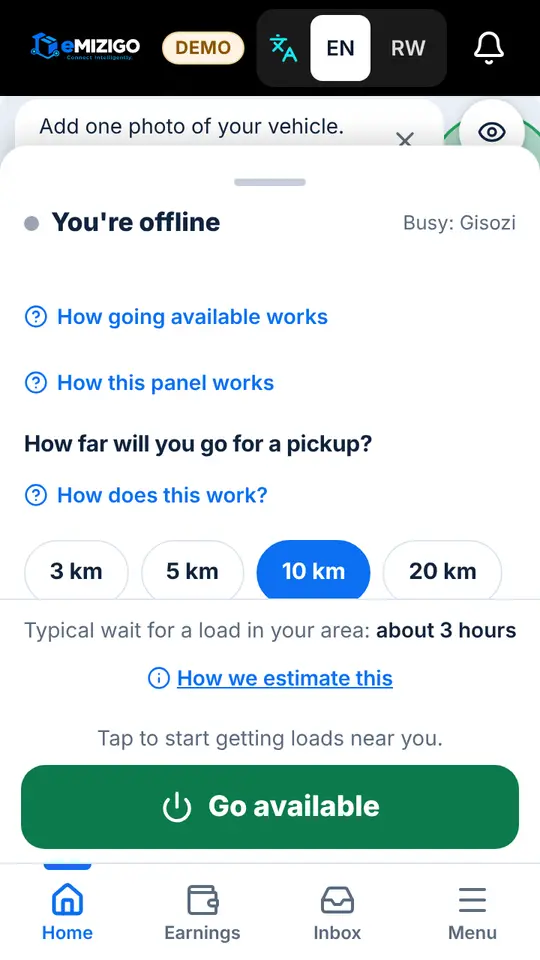
The strip above the Go button shows your status and the busiest area. Tap it, or swipe it up, to open the panel; tap the strip again or swipe down to close it. A short quick swipe is enough. Inside you find the distance buttons, the expected wait, busy areas, busiest hours, scheduled loads, promotions and this week.